


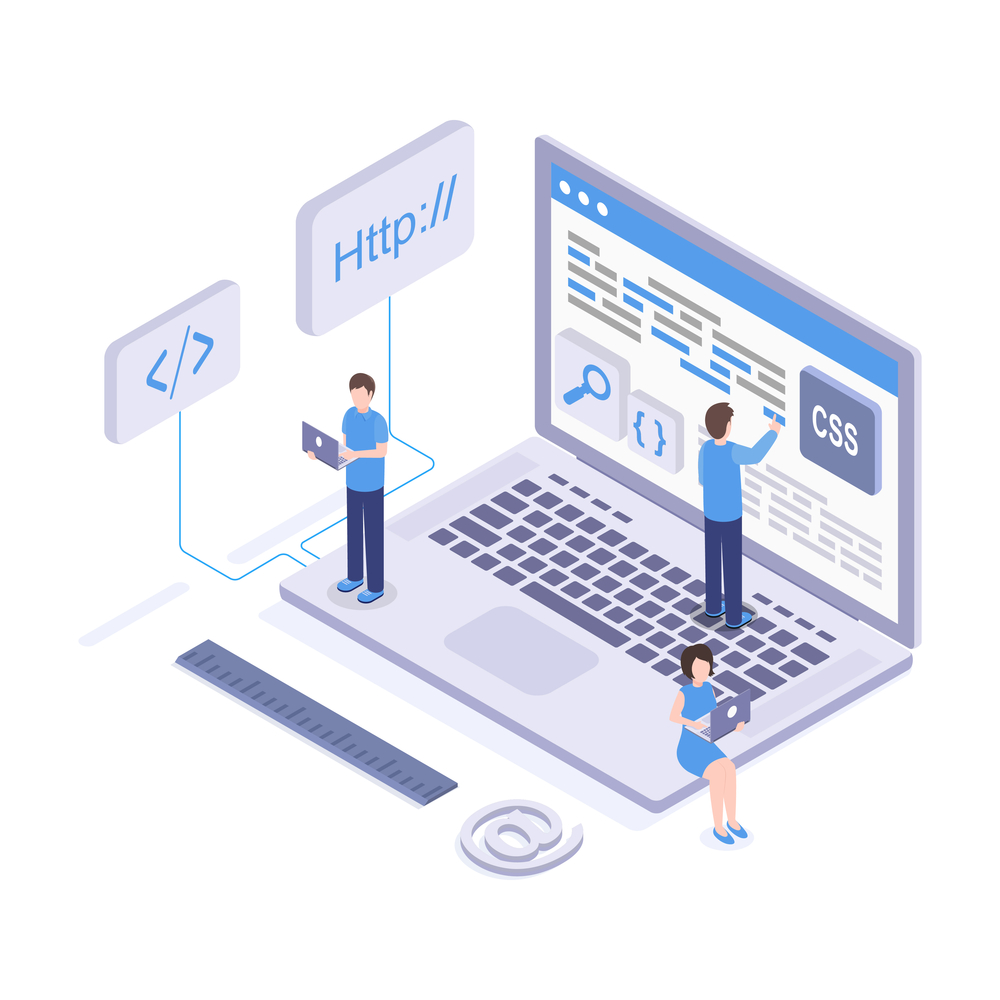
A website or site is a group or collection of multiple webpages (HTML documents) linked under a single domain name. This forms a single unit that enables users to access and share information via the internet. Websites are stored on the web server – A computer built to host websites on the internet.
A website is a means of communication/information distribution. Just like any other communication medium, it can be used for a variety of things. For example, you can create a portfolio website for freelancers. In addition, there are sites for e-commerce, online forums, Government/Non-Government Organisations, and so on.
To create a website, web designers/web developers use various tools and technologies and best practices to build the webpage/structure and style the UI (User Interface). They connect it to the internet. Furthermore, they also rely on automation cloud platforms to test, scale, and deploy their websites efficiently. They do this across different browsers and devices.
Planning Stages
Different types of websites serve different purposes. For example, we have websites like the BBC. These sites are for sharing current events, stories, and documentation worldwide.
At the same time, we have some media websites like Facebook for connecting billions of people worldwide to share and send messages.
Also, e-commerce websites like Amazon are used to buy and sell online products around the world.
Depending on the type of business you want to create, how you choose to build your website will vary compared to others, such as your target audience, your website’s content, and the tools/technologies needed to build the website. The following is a list of things you can consider when planning to build a website.
Identify Your Website Goals
The first thing you need to do when building your website is to decide your target market and what you want to solve- that is, who your website is for.
This will help you determine how to set a goal to solve the problems. For example, if the problem you want to solve is helping people buy and sell things online, then what you should plan for is an e-commerce website. Your goal should be to create a website that enables users to buy and sell things online. Use the best available online method to do this.
However, if it is a simple website for displaying your work to attract potential clients, then your goal should be to create a portfolio website. Identifying your website goals is a direct approach to building a well-functioning website.
Identify Your Type of Content
Everything you read on a website is called content; this can be a blog post, an article, a video, a podcast, an image, etc. Content is the most important thing that you see and consume on a website.
Identifying the type of content you want to create or add to your website will help you determine how to structure your website and the type of audience you should tailor your content to. To identify your content, brainstorm content ideas and ask important questions as follows.
- What is the end goal of your website?
- Determine what problems you are trying to solve.
- What areas, categories, or niches does your content fall into?
- What have people or websites of similar interest to yours done, and how can you learn from them?
- Based on your niche, goals, and interests, what type of content will be most effective and useful to your audience?
- What is the best way to implement the best SEO practices for better visibility and ranking?
- How do you deliver/market your content to your audience?
Brainstorming your content ideas before implementing them can bring about more clarity on how your content should be structured.
Determine Your Target Audience
Every website is built to serve a certain type of audience of a particular demographic (age, gender, location, interests), which has a direct correlation to the traffic the website generates or will generate. The audience in this case refers to “users” or “visitors” who will most likely be using the website.
Once you have a clear idea of who your users are, it becomes very easy to reach them. For example, an e-commerce website will look for a young demographic with a good internet connection as its target audience. This will enable it to sell its products to the target population. Consequently, the site will reach users who are willing to use the internet to buy and sell online.
However, in cases where the website is a portfolio to showcase the skill sets and work history of a particular professional, the target audience will be small and medium-sized businesses. These businesses will be looking for a freelancer to work on a particular project within a specific time frame.
Knowing your audience can be very beneficial to anyone who plans to create a website, whether for business, personal, or non-profit organisations. As a result, this makes it easy to market the website to the right user. The right user is the one for whom the website is intended.
Design and Layout Considerations
Design and layout refer to the look and feel of a website and how the content is displayed on the web page. This has a huge impact on the overall success of a website.
Design and layout considerations are a thoughtful process taken to ensure your website has a positive outlook. That is the look and feel of its responsiveness, the structure of the content, the components of the website, and what to include and what not to include.
In regard to the design and layout of a website, the following should be considered.
The components of your website: decide what types of components you are implementing on your website. That is, whether or not you should include a navbar component, card components, email list, etc., and if so, how should you implement them?
For example, the TestMu AI (formerly LambdaTest) automation testing platform has several components such as a navbar, hero images and CTAs. With this, users can easily navigate around the website.
- Colour Scheme: What colours best suit your brand, and how should you implement them on your website? Colour schemes can improve and make your website stand out.
- Typography: Choose readable fonts to make it easy for readers to read your content.
- Multimedia Content: Choose high-quality images, audio, videos, and other multimedia elements for a better user experience.
- Layout: Incorporate Flexbox or the Grid System for ease of aligning and re-aligning content and elements on the website on different screen resolutions.
- Call to Action (CTA): implement thoughtful, clear, precise call-to-action buttons for quick user interactivity.
- User feedback: include newsletters, contact forms and chats/forms to get user feedback.
Proper or good implementation of design and layout can bring out a better user experience and engagement.
Tools To Use
There are different types of tools/technologies needed or used when creating a website. The most basic of them all are HTML, CSS, and JavaScript. However, other tools can be used, such as DIY Website Builders like Wix. Some use Content Management Systems like WordPress. Others may use Static Site Generators like Hugo.
Additionally, building a Dynamic Web Application also requires even more complex tools like React to solve the frontend logic, PHP or Python for the backend, and SQL to connect all the website data to a database.
Depending on the type of website or the kinds of problems you choose to solve, the types of tools you choose to solve them will be determined. That is, the more complex the website, the more complex the tools required to solve those problems will become.
A simple website like Portfolio without any interactivity might require only HTML and CSS. However, complex websites like e-commerce (Amazon) will require more advanced technologies like PHP or Python for the backend, and SQL to connect all the website data to a database to solve its problems due to the large volume of data that is processed daily.
Key Performance Indicators (KPIs)
Key Performance Indicators, known as KPIs, are metric systems of measuring the effectiveness, usage, and performance of a website. KPIs are very useful and serve as a good point of judgement for developers and website owners on how well a particular website is performing. For example, the following can be considered good KPIs.
Page Load Time
Page load time refers to the time it takes for all the content requested from a particular website page to fully load on the Client/User’s computer. When a website has a very slow page load time, it can negatively impact the conversion rate. As a result, it can affect the overall usage of the website.
Search Engine Optimisation
Every website ranking monitors relevant keywords to help it gain visibility through search and other social media platforms. This enables website owners to maximise the return on investment on their website.
Website Traffic
When we talk about website traffic, we are referring to the number of page views and unique visitors that visit a particular website regularly. This can be on a daily, weekly, monthly, or even yearly basis. Website traffic refers to how popular a website is in terms of visitation and usage.
Bounce Rate
This refers to the number of unengaged sessions of a website. A website is said to have a higher bounce rate if the users/visitors leave after their first visit and no longer take any interest in what the website has to offer.
Conversion Rate
This is the number of visitors who, after visiting, decide to sign up and make a purchase. They also take part in filling out forms to participate in what the website has to offer, become an active user of the website or even do things like sign up for the newsletter and become a paying member.
KPIs are a powerful metric of measurement for website owners who are looking for ways to grow their website’s reach and performance. As such, they use indicators called “Key Performance Indicators” to check where the website is making progress. They also use them to see where it is not and what needs to be fixed.
Next, you should see your website live.
Conclusion
In this article, we explained what a website is, how to plan and prepare, and what you need to have in place before launching a new website.
We also explained the role HTML and CSS play in creating a website. We concluded by briefly talking about navigation/hyperlinks, responsive web design, and browser support/compatibility.
